ExpressKeys: ExpressVPN’s password manager
ExpressKeys is ExpressVPN’s secure password manager app for iOS and Android. It helps you manage unlimited passwords, credit card details, and notes securely on any device.
Available with ExpressVPN Advanced and Pro plans.


What is a password manager?
A password manager like ExpressKeys securely stores passwords and other sensitive data in an encrypted digital vault. It can also fill in your details automatically when you sign in to websites and apps.

How a password manager works
Password managers like ExpressKeys can generate and store strong passwords for all your online accounts—and then fill them in for you when you sign in.
In addition to usernames and passwords, ExpressKeys can also securely store notes and credit card details, and even generate two-factor authentication (2FA) codes for compatible apps and sites.
Everything you store in ExpressKeys is encrypted in a secure vault that only you—not even ExpressVPN—can access using your primary password.

Why you need to use a password manager
Creating and remembering passwords for all your accounts is a hassle, which is why many people use (and reuse) weak passwords. The risk is that this leaves your accounts vulnerable to data breaches and hacks.
With a password manager, you only need to remember one password to manage and secure all your online accounts. ExpressKeys can even generate long, complex passwords that are safer against brute-force attacks and highlight weak or reused passwords so you can strengthen them.

What makes a password manager safe?
ExpressKeys uses zero-knowledge encryption to protect your privacy. You're the only one who can see your stored data, no one else—not even ExpressVPN—can access it. Even if there's a breach in our secure servers, all your information will remain end-to-end encrypted.
ExpressKeys was built by the same security experts behind our industry-leading VPN and blazing-fast Lightway VPN protocol. Like our VPN, the password manager is secure by design and puts you in control of your data.
ExpressKeys: Features
-
![Stored logins in ExpressVPN Keys.]()
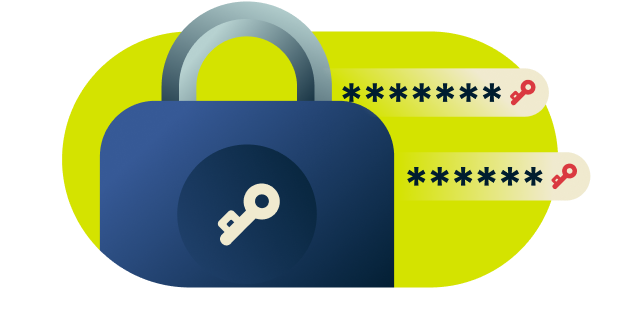
Store unlimited passwords and more
Never worry about running out of space. There’s no limit to how many passwords, secure notes, and credit cards you can store in ExpressKeys.
-
![Autofilled login field.]()
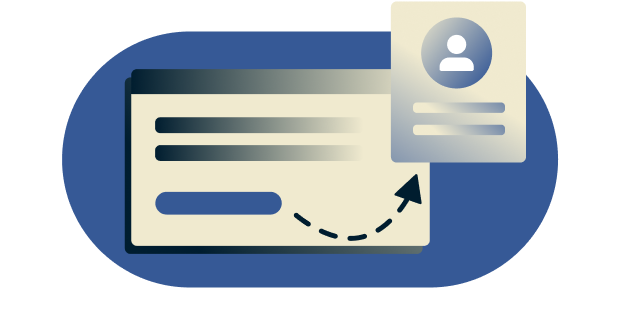
Autofill on any app or website
ExpressKeys automatically detects password fields and offers to fill them in for you, so you can sign in to websites and apps with just one click.
-
![Generate password field.]()
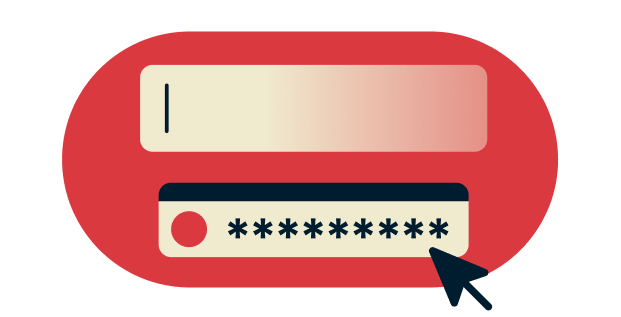
Generate strong passwords
ExpressKeys has a built-in random password generator so you can create strong, unique passwords for every account.
-
![Lozenge graphic for Keys' Password Health feature]()
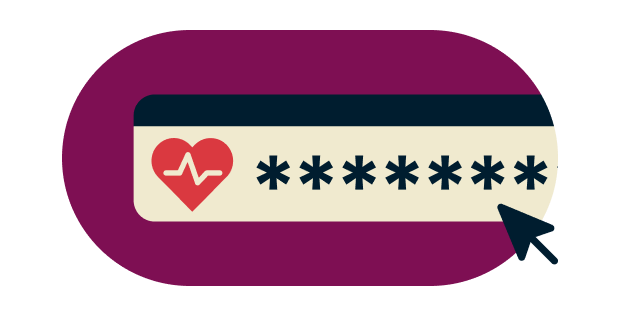
Monitor your password health
ExpressKeys can identify weak or reused passwords, help you strengthen them, and keep your accounts safer from online threats.
-
![Shield with ExpressVPN Keys logo]()
Zero-knowledge encryption
Your data can only be decrypted with your primary password, which only you know, or biometrics, which only you have. In other words, your stored items are so secure that even we can’t see them.
-
![ExpressVPN Keys 2FA code lozenge]()
Store and generate 2FA codes
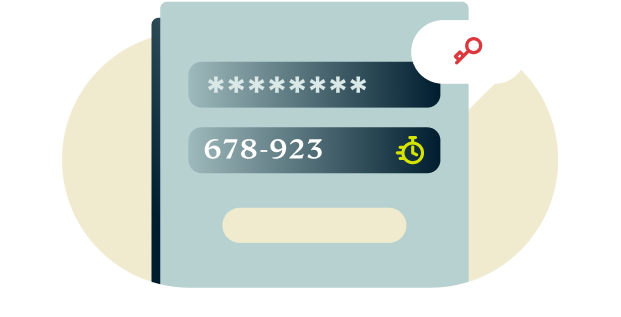
Enhance the security of your online accounts with two-factor authentication (2FA). Use ExpressKeys to generate one-time codes when signing in.

Get ExpressKeys on mobile and desktop
ExpressKeys is included with ExpressVPN Advanced and Pro plans and is available as a standalone app for iOS and Android. You can also access your vault on desktop using the browser extension for Chrome, compatible with Brave, Edge, Opera, and Vivaldi browsers.
- Download for iOS (App Store)
- Download for Android (Google Play Store)
- Download for Chrome (Chrome Web Store)
Don’t have ExpressVPN yet? Sign up today to enjoy powerful protection, 100% risk-free.
FAQ: Password managers
How do password managers generate strong passwords?
Password managers like ExpressVPN Keys use encryption algorithms to create random, unique, and complex passwords, making them hard for attackers to crack or guess.
Should you store your passwords in your browser?
Saving your passwords in browsers like Chrome, Safari, Firefox, and Opera may be convenient, but it’s not the most secure option. For one thing, anyone using your devices can access your passwords. Your saved passwords could be compromised if a web browser is hacked or infected with malware.
A secure password manager like ExpressKeys stores and encrypts your passwords safely—and you can easily import your saved passwords from supported browsers.
How can password managers protect my personal information?
Using a secure password manager like ExpressKeys means you can generate long, complex passwords for all your online accounts, which the password manager will store and fill for you. This makes all your online accounts safer and harder to crack.
The security of the password manager you use is also paramount to protecting your personal information. ExpressKeys, for example, uses zero-knowledge encryption which ensures that only you can see your decrypted items—the password management provider has no access to them.
You can even use ExpressKeys as an authenticator to generate one-time passwords for any account you’ve chosen to protect with two-factor authentication (2FA)—this is one of the best ways to safeguard your security, even if your passwords have been compromised in a breach.
Can I use a web browser to manage my passwords and login information?
Yes, ExpressKeys has a browser extension that is supported on Chrome, Edge, Opera, Brave, and Vivaldi.
How do I see my saved passwords?
To see your saved passwords on your mobile, open the ExpressKeys app for iOS or Android and unlock it with your primary password or biometric authentication.
To see your saved passwords on your computer, open the password manager browser extension and sign in with your ExpressVPN credentials.
What are password best practices?
Examples of password best practices include:
- Never sharing your passwords with others
- Use a different password for every online account
- Avoid easy-to-guess passwords
- Don’t include personal information like your name, birthday, or family member’s details
- Use long passwords that are hard to guess or crack (but easy to remember)
- Don’t save your password online somewhere that can be hacked
- Check sites like Have I Been Pwned to see if your passwords have been compromised in a data breach
- Use a password manager so you can store and generate long, complex passwords for every account, and fill them easily and quickly
What else can I do with a password manager?
In addition to protecting your logins, ExpressKeys can also store secure notes and credit/debit cards. Secure notes can be anything you want to keep private, like your passport number, insurance details, or medical information.
A password manager like ExpressKeys also comes with a password generator tool to help you create strong, unique, and random passwords. You can even use it as an authenticator to generate OTPs for accounts with 2FA. Enabling 2FA on compatible accounts adds an extra layer of protection, preventing unauthorized access even if your passwords are compromised.
As with usernames and passwords, there’s no limit to how many items you can store in ExpressKeys. Should you ever want to export your stored data into another ExpressKeys account or password manager service, you can export your stored items from the Android or iOS app, or the Chrome extension.
What support does ExpressVPN offer?
ExpressVPN provides a wide range of articles covering setup, usage, and troubleshooting. If you need more support, the ExpressVPN Support Team is always available.
Powerful protection, 100% risk-free
Don’t have ExpressVPN yet? First-time subscribers can sign up today and take advantage of our risk-free 30-day money-back guarantee. Cancel anytime within 30 days and get a full refund.